What you’ll need
- A laptop that can access the internet.
- No prior AI experience is required.
- Being signed into a free ChatGPT, Gemini, or Claude account is helpful but not required.

Build practical AI skills you can use right away.
Learn practical AI skills with live, beginner-friendly guidance. Northeast Tennessee residents attend at no cost through the State of Tennessee DSEW Grant.
Move month by month to see every scheduled AI for Beginners class. Every date has its own class page and enrollment status.
Everything you need to know before you arrive and what you can expect to leave with.
What you’ll need
What you’ll get
What you’ll be able to do
Work fluently with AI to create, write, organize, design, solve problems, and handle many other practical tasks.
Complete practical activities during class to earn eight verified skill badges you can share on LinkedIn and include on your résumé.
Understand what AI can do and where it fits.
Create and improve useful written work.
Find, organize, and verify information.
Understand and transform document content.
Turn goals into practical next steps.
Examine information and explain what it means.
Turn ideas into clear visual concepts.
Leave with a repeatable way to keep working.
No long lecture and no multi-week bootcamp. Joe guides you through practical activities, feedback, and verified skill checks.
Learn what modern AI tools do, where they help, and how to use them responsibly.
Know when AI is useful and when human judgment still matters.Work through writing, research, document, planning, analysis, and visual exercises.
Use clear methods you can repeat after class.Ask questions and improve your work with support from Joe during the session.
Correct mistakes while you practice instead of guessing later.Complete the skill activities and verify what you can do.
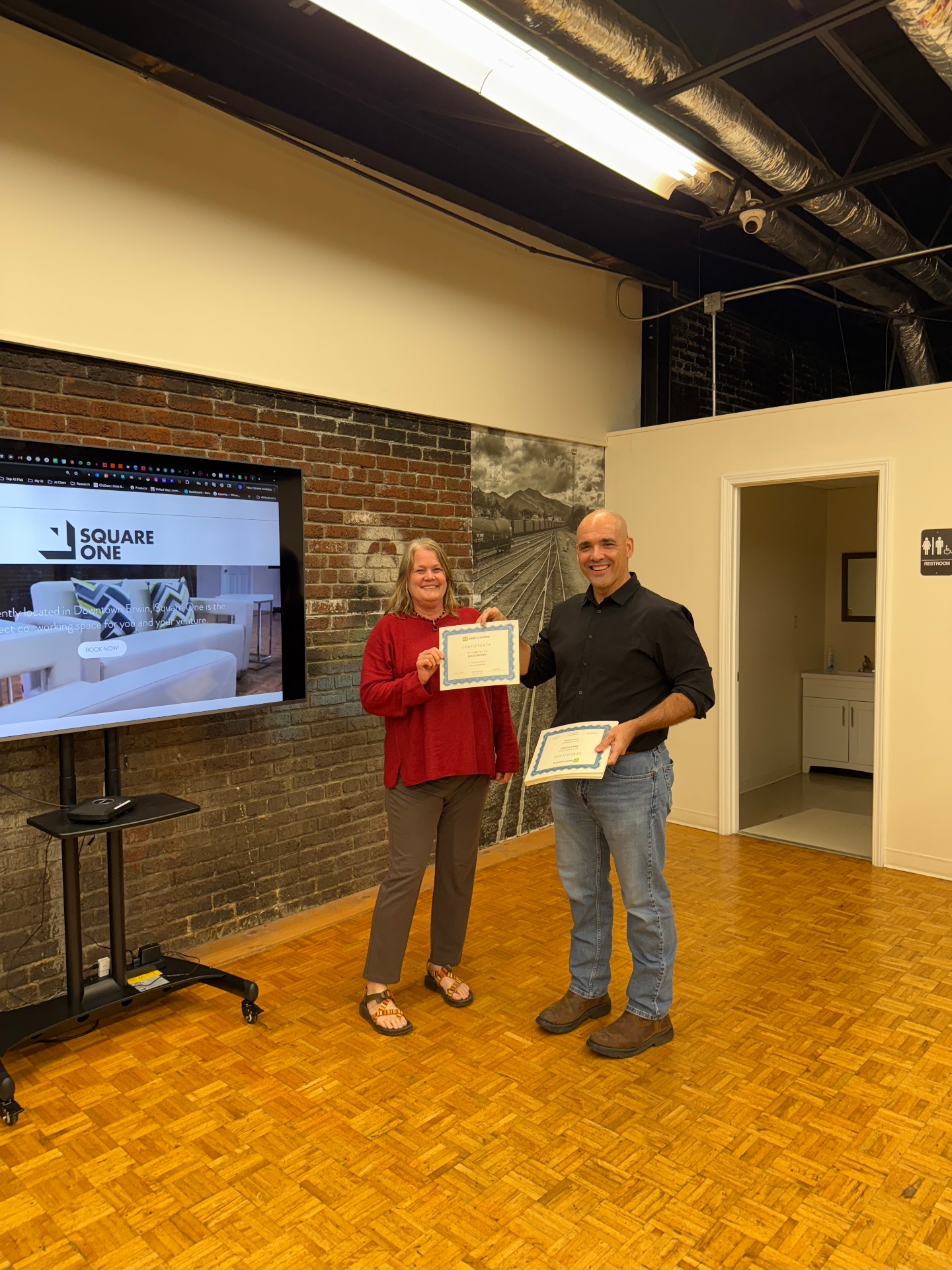
Leave with eight badges and an AI for Beginners certificate.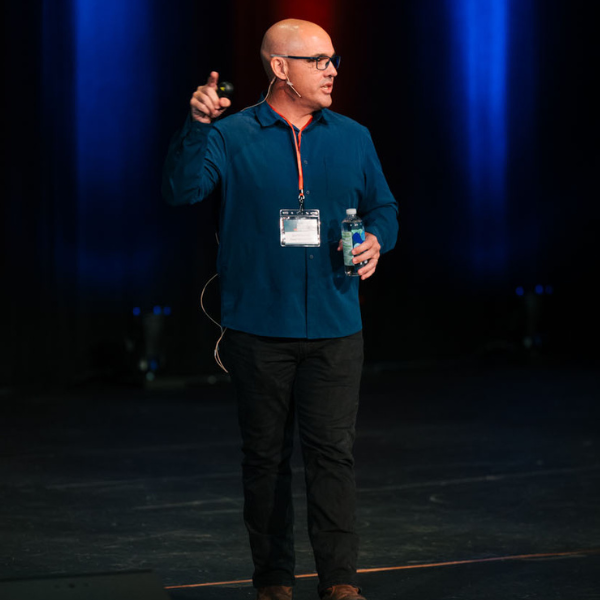
Founder and CEO, CloudWise Academy
Joe teaches beginner-friendly AI classes that turn confusing technology into practical skills. He focuses on clear explanations, hands-on work, and helping every learner leave knowing what to do next.
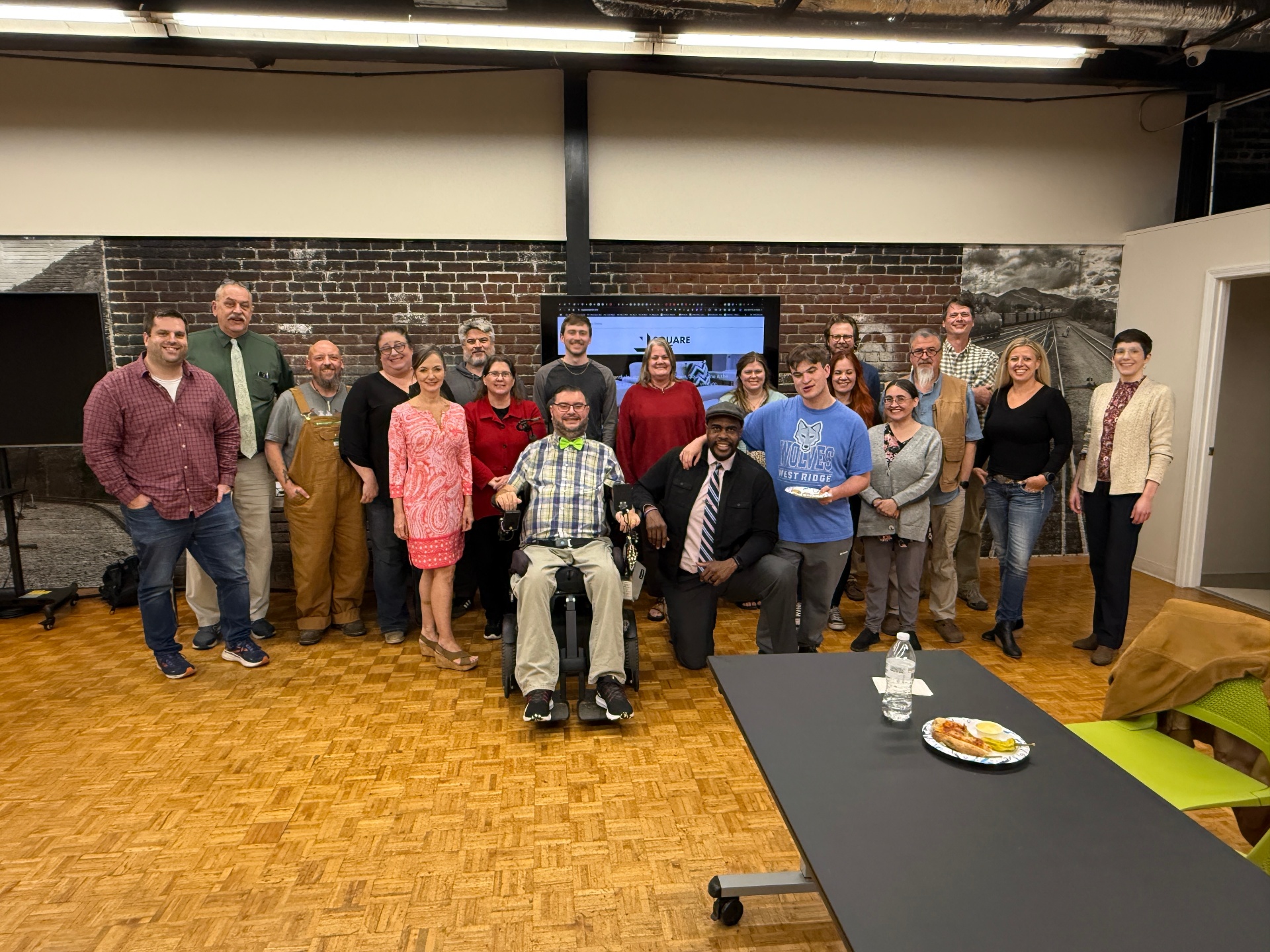
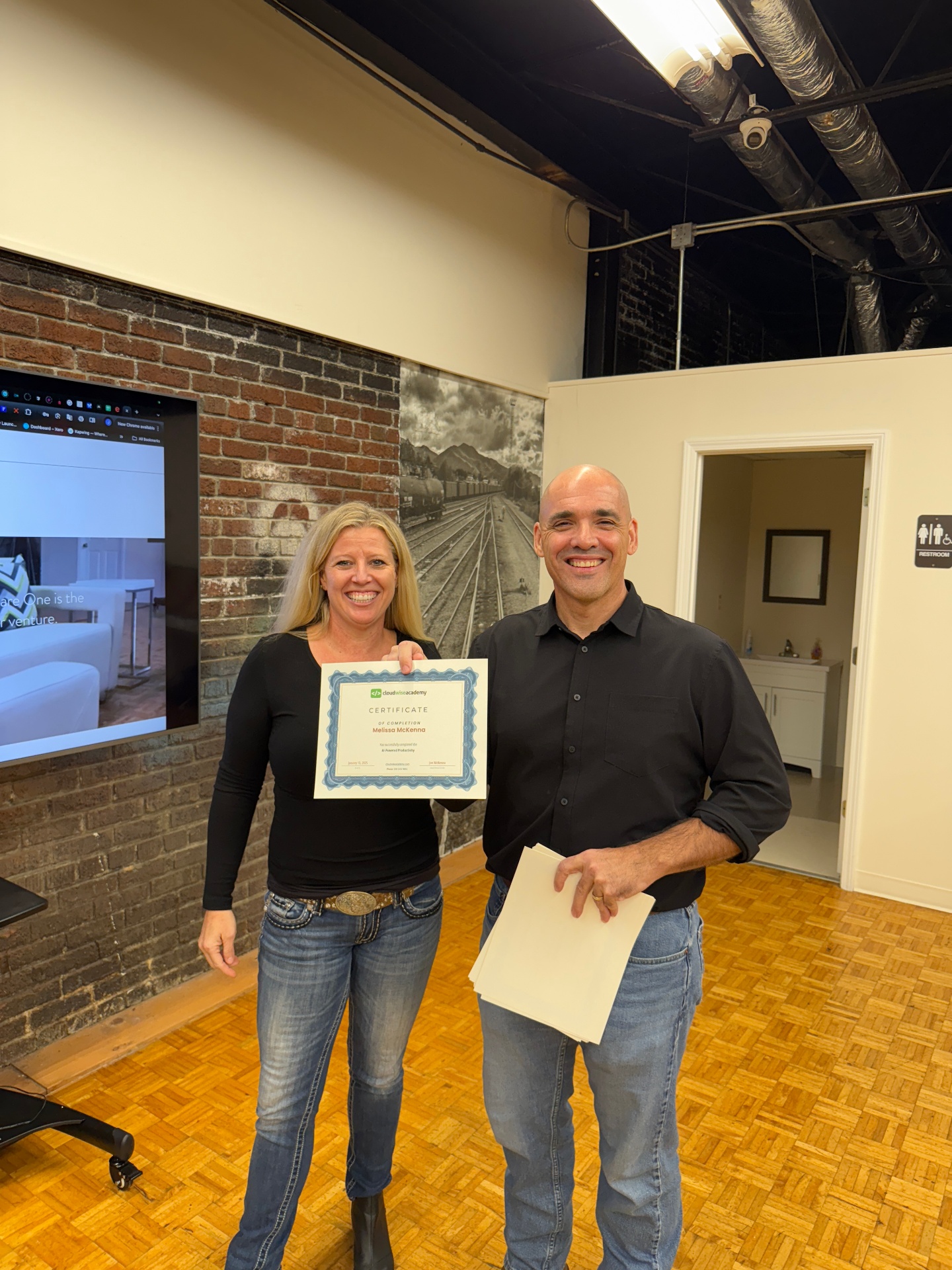
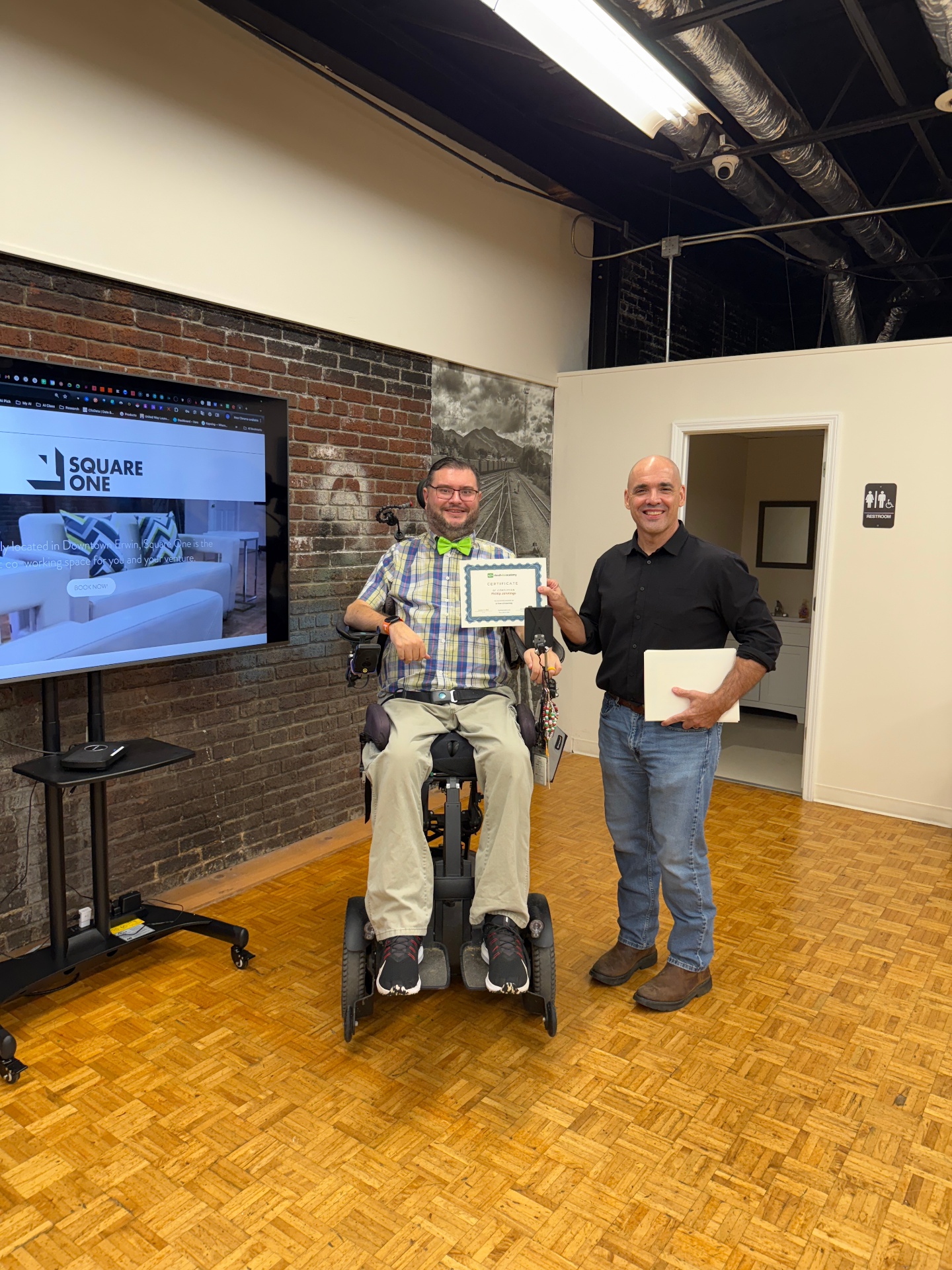
CloudWise classes are built around live help, hands-on participation, earned skills, and visible progress.
No. This class is designed for true beginners and everything is explained step by step.
Use the course calendar on this page to see every scheduled date and open its enrollment page.
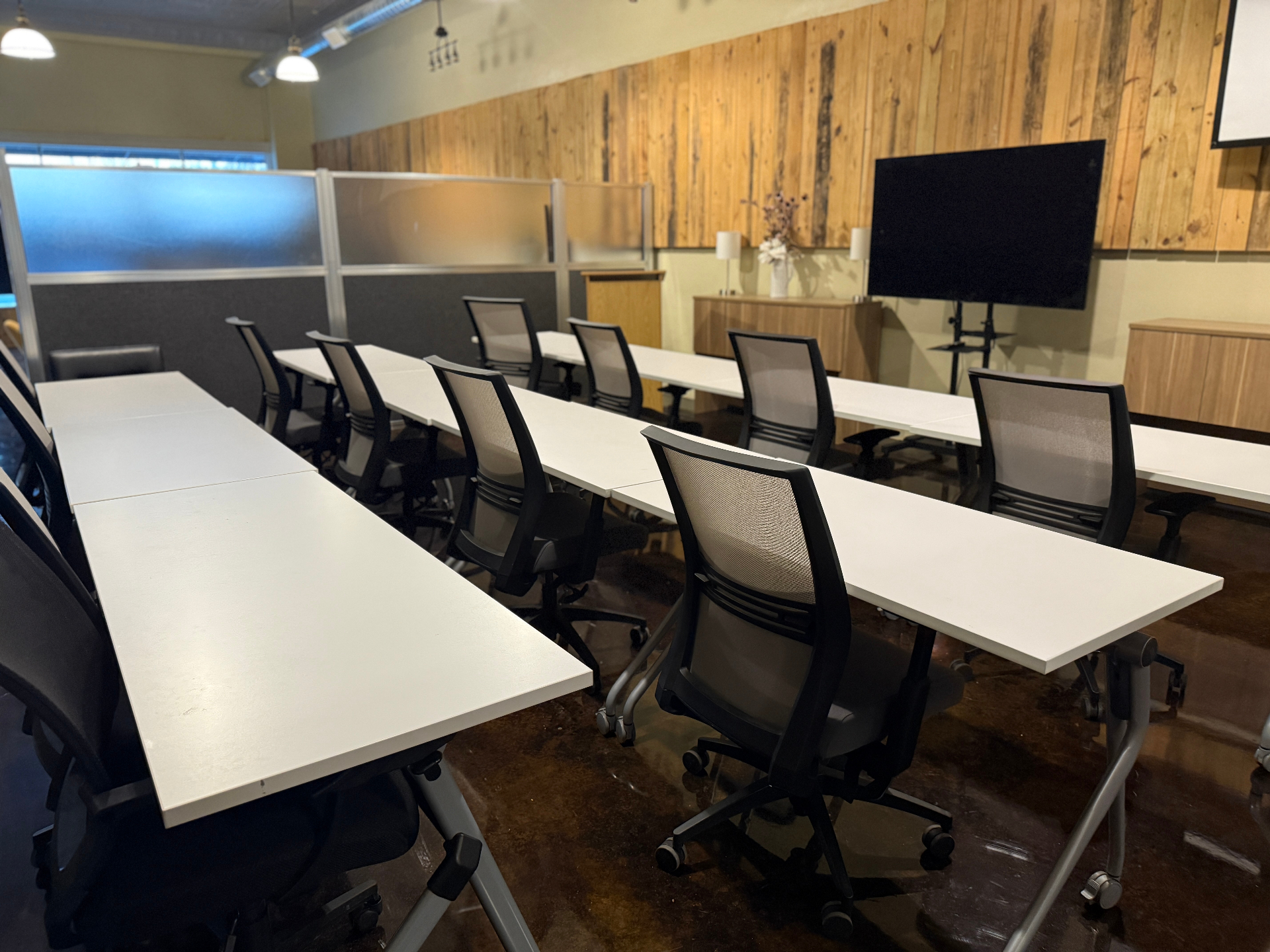
Yes. You can attend in person or online and choose your format during registration.
Yes. The State of Tennessee DSEW Grant pays the full $720 tuition for Northeast Tennessee residents.
You can earn eight verified skill badges plus an AI for Beginners course certificate.
Yes. The verified skill badges are designed to be shared on LinkedIn and included on your résumé.
Bring a laptop and a willingness to practice. We will guide you through the activities during class.